

AI Forecasting in Excel: Why Simple and Explainable Works
Unleashing the Power of AI Forecasting in Excel
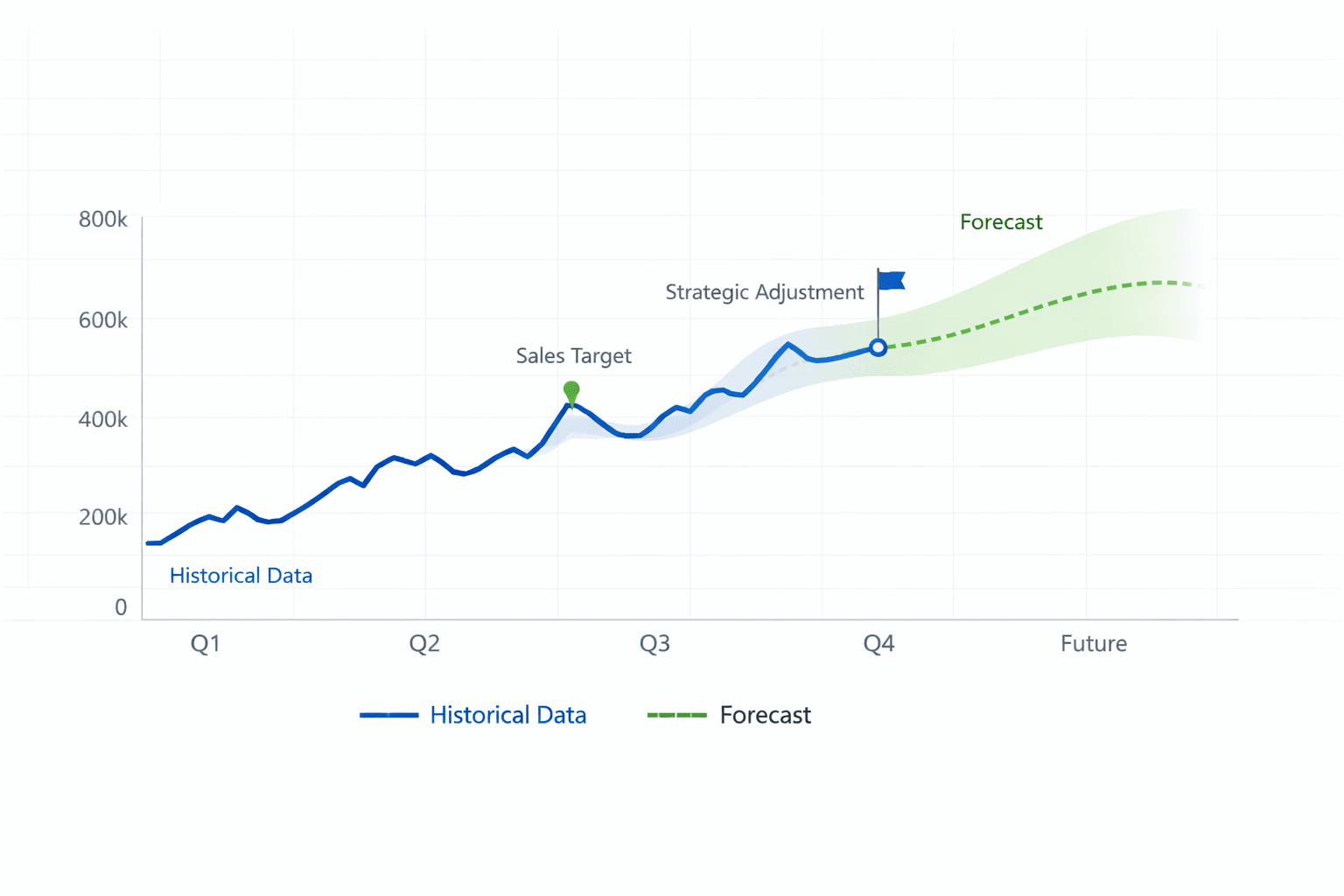
AI is moving into finance quickly, probably faster than we’ve figured out how to properly govern it. A lot of these tools use complex models that look impressive, but it’s often hard to see how they’re actually arriving at their numbers. And in finance, if you can’t explain how a forecast was built, it’s difficult to really trust it. Sometimes it feels like we’re adding computational sophistication without necessarily improving decision clarity.
But for CFOs and FP&A teams, the real question is not whether AI can produce a number. It is whether that number can be understood, trusted, and defended.
If you are exploring AI forecasting in Excel, the answer may be less about sophistication and more about staying in control and keeping things simple.
What Forecasting Fundamentals Tell Us
In Forecasting: Principles and Practice, Hyndman and Athanasopoulos state a foundational truth: all forecasts are wrong, but some are useful.
Forecasting is not about perfect prediction. It is about reducing uncertainty enough to make better decisions. The authors emphasise principles that are highly relevant to AI forecasting in Excel. These include preferring transparency over unnecessary complexity and clearly communicating assumptions.
In our experience at Brydens BI, finance leaders are far more comfortable adopting new tools when those tools reinforce established forecasting discipline. AI that aligns with these principles earns trust. AI that bypasses them creates resistance.
The Problem with Black-Box AI Forecasting
Many AI forecasting platforms operate as black boxes. You upload data, a model runs, and a forecast appears. In finance, explainability is rarely optional.
Without clarity, forecasts become difficult to defend. Procurement teams raise concerns. CIOs question governance. CFOs hesitate to rely on outputs they cannot interpret and cannot influence.
AI forecasting in Excel should enhance financial discipline, not obscure it. Above all, it should be understandable.
What Good AI Forecasting in Excel Should Look Like
If AI is to support finance teams effectively, it should follow a structured approach.
A robust Excel AI forecasting workflow typically includes five components.
First, a base trend. This is a statistically derived baseline from historical data, separating signal from noise.
Second, explicit assumptions. These can be described in natural language and may include pricing changes, hiring plans, market expansions, or other deliberate management inputs.
Third, constraints and known events. Examples include capacity limits, contractual obligations, regulatory changes, or funding restrictions.
Fourth, one-offs and overrides. These are temporary factors clearly identified as non-recurring.
Fifth, clear explanations. The output should show how each component contributes to the final forecast, in a consistent, structured format.
This layered structure reflects how experienced FP&A professionals think. It also aligns with the discipline described in Forecasting: Principles and Practice.
The objective is not automation for its own sake. It is organised thinking supported by AI.
Why Simpler Often Performs Better
A key insight from forecasting research is that simple models frequently perform as well as, and sometimes better than, complex ones. Overly sophisticated models can overfit historical data, mask structural shifts, prove difficult to recalibrate, and create false confidence.
This isn’t about resisting sophistication. Smarter tools or getting true experts involved can be very valuable. The issue is that in a real operating environment, we need models we can explain and recalibrate quickly. A slightly more accurate forecast isn’t very helpful if we can’t confidently adjust it when assumptions shift or when the CEO describes a critical new development in plain English that needs to be reflected quickly. The ability to use natural language to update a forecast makes it easy, fast and accessible.
That workflow depends on choosing the right starting point and writing assumptions clearly. For the baseline step, see Choosing the Right Baseline Method in ForesightXL. For stronger context and scenarios, see What Good Forecasting Context Looks Like.
Simplicity does not mean unsophisticated. It means disciplined.
At Brydens BI, we often see organisations struggle not because they lack tools, but because their forecasting process lacks structure. Introducing AI into an undisciplined process magnifies confusion. Introducing AI with a structured, easy-to-understand process accelerates clarity.
What CFOs Should Look for in an AI Forecasting Tool
When assessing AI forecasting in Excel, finance leaders might ask a few practical questions:
- Does it operate natively in Excel, without replacing core systems?
- Is data migration required?
- Are model outputs explainable?
- Is the forecast structured and decomposed?
- Can scenarios be generated easily?
- Is documentation audit-friendly?
- Is the implementation lightweight?
AI should reduce workload and improve clarity, not introduce operational risk.
AI Should Clarify Forecasts, Not Complicate Them. When applied thoughtfully, tools such as ForecastXL can also help teams strengthen their underlying forecasting discipline.
The purpose of forecasting is decision support under uncertainty.
AI can accelerate analysis, surface patterns faster, and standardise structure.
But if it hides reasoning, embeds opaque logic, or weakens governance, it undermines the finance function.
The most effective AI forecasting in Excel respects core principles: transparency, measurability, simplicity, and structured reasoning.
For finance teams who already use spreadsheets or have tools (like Calumo) that seamlessly integrate into Excel, then progress does not require abandoning Excel. It requires using it more deliberately.
AI, applied with discipline, can help finance teams build forecasts that are not only faster to produce, but clearer to explain and easier to defend.