

Excel forecasting add-in
Excel Forecasting Add-in for Finance Teams
ForesightXL Forecast Assistant is an AI-powered Excel forecasting add-in that helps finance teams generate explainable forecasts directly inside Excel. Use historical data, add plain-English business context, and return a structured forecast your team can review, challenge, and defend.
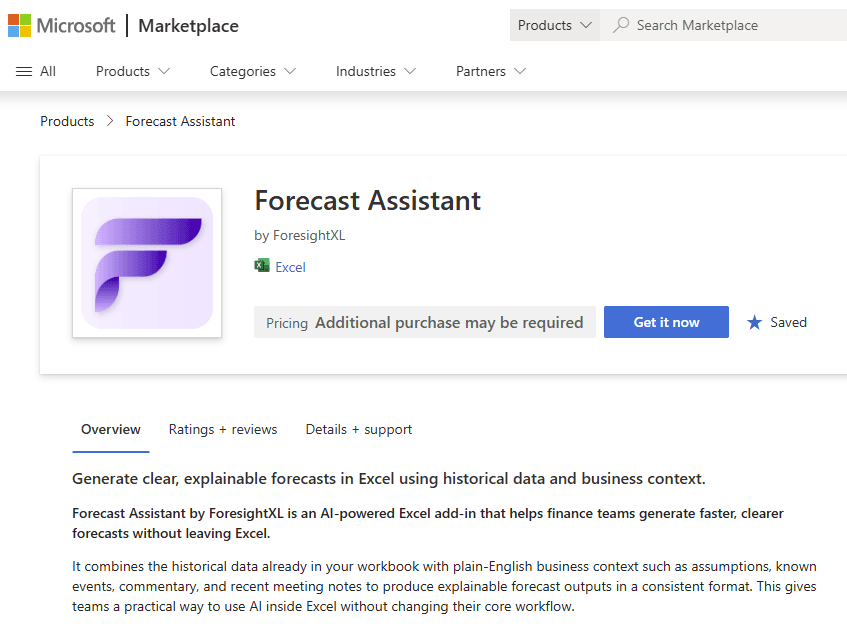
Available in Microsoft Marketplace. $19 USD/month. New users get 5 free forecasts.
What is an Excel forecasting add-in?
An Excel forecasting add-in gives finance teams forecasting capability inside Microsoft Excel, so users can keep working with spreadsheet data while adding a faster, more structured forecast workflow. ForesightXL adds AI-assisted forecasting, business context, explainable outputs, and repeatable forecast logic without asking teams to migrate to a separate planning platform.
Forecast inside Excel without rebuilding your process
Finance teams already use Excel for models, variance analysis, board reporting, and decision support. ForesightXL Forecast Assistant keeps that workflow intact while adding a consistent way to generate, explain, and refine forecasts from the data your team already manages.
Stay in the spreadsheet
Generate forecasts directly inside Excel, without exporting data, rebuilding templates, or introducing a separate forecasting platform for every forecast cycle.
Add business context in plain English
Capture the assumptions that matter: pricing changes, customer behaviour, market shifts, operational constraints, strategic initiatives, and one-off events.
Review explainable forecast movements
See how the forecast was formed, where the baseline contributed, and how contextual factors influenced the final result.
Rerun forecasts as assumptions change
Update your context, regenerate the forecast, and compare outputs when new information changes the view of the business.
How ForesightXL works in Excel
ForesightXL gives finance teams a simple, repeatable workflow for generating forecasts from historical data and business context.
Step 1
Prepare your historical data
Start with the time-series data your finance team already uses in Excel, such as revenue, costs, customer metrics, volumes, or other forecast items.
Step 2
Add the context behind the numbers
Describe relevant business assumptions in plain English, including known events, market conditions, pricing changes, operating constraints, or management actions.
Step 3
Generate the forecast
ForesightXL creates a forecast that combines the mathematical baseline with structured business context, producing a clear result inside your workbook.
Step 4
Review, explain, and refine
Use the forecast chart, executive summary, period-by-period explanations, and component breakdown to understand the result and rerun the forecast when assumptions change.
Learn more about AI-assisted forecasting in Excel
Want to understand how ForesightXL uses AI in the forecast process, or how secure AI assistance fits into finance workflows?
Built for finance forecast workflows
This page is focused on the add-in use case: fast, repeatable forecasting inside Excel for teams that need more than a trend line and less friction than a full system rollout.
Rolling forecast updates
Refresh a forecast when actuals, assumptions, or market conditions change.
Revenue and demand forecasts
Combine historical revenue or demand data with context such as pricing, pipeline, capacity, or customer behaviour.
Budget reforecasting
Update the outlook quickly when actuals diverge from budget or business conditions shift.
Board and leadership reporting
Produce forecast explanations that help leaders understand what changed and why.
What you get back from the add-in
ForesightXL is designed to return decision-ready outputs, not just a forecast number. Finance users can use the generated workbook output to review assumptions, explain movements, and support follow-up discussion.
Executive summary
A concise explanation of the forecast result and the main factors influencing the outlook.
Forecast chart
A visual comparison of historical actuals and forecast values for faster review.
Forecast table
Period-by-period forecast values that can be reviewed alongside your existing Excel analysis.
Component breakdown
A structured breakdown of the baseline and contextual factors that shaped the final forecast.
Why choose an Excel add-in instead of another forecasting platform?
Dedicated planning platforms can be valuable, but many teams still need fast forecasting inside Excel. An add-in is a practical option when the goal is to improve forecast quality without changing the entire finance technology stack.
Lower workflow disruption
Keep data and review steps inside the spreadsheet environment finance teams already know.
Faster adoption
Start with a focused forecast task instead of a long implementation or migration project.
Clearer forecast conversations
Use structured explanations to align analysts, finance leaders, and business stakeholders.
Want the broader product overview? See the ForesightXL overview.
Who the ForesightXL Excel forecasting add-in is for
CFOs and finance leaders
Get forecast outputs that are easier to understand, explain, and use in strategic discussions.
FP&A teams
Accelerate forecast cycles while keeping models, actuals, assumptions, and commentary in Excel.
Finance analysts
Turn business assumptions into structured forecast outputs without building every scenario from scratch.
Business leaders
See the story behind the forecast and understand which drivers are influencing the outlook.
Related use cases
Explore more ways teams use ForesightXL for explainable forecasting inside Excel.
Comparisons
Compare ForesightXL with other forecasting approaches.
Frequently Asked Questions
Answers to common questions about using ForesightXL Forecast Assistant as an Excel forecasting add-in.
What is an Excel forecasting add-in?
An Excel forecasting add-in extends Microsoft Excel with forecasting functionality. Instead of moving your data into a separate platform, you can generate and review forecasts from inside your spreadsheet workflow.
What makes ForesightXL different from a spreadsheet trend line?
A trend line mainly extends historical patterns. ForesightXL combines historical data with business context, then returns structured explanations that help users understand how assumptions influenced the forecast.
Is ForesightXL designed for finance teams?
Yes. ForesightXL is designed for CFOs, FP&A teams, analysts, and business leaders who want faster, clearer, more explainable forecasting in Excel.
Does ForesightXL replace our existing forecasting model?
No. ForesightXL is best understood as a forecasting assistant inside Excel. It can complement your existing models by helping teams generate forecast outputs, test assumptions, and explain forecast movements more quickly.
Can I use it for revenue forecasting?
Yes. Finance teams can use ForesightXL with historical revenue data and context such as pricing changes, customer behaviour, pipeline timing, churn, seasonality, or market changes.
Can I run scenario forecasts in Excel?
Yes. You can update the business context and rerun forecasts to compare different assumptions, such as base case, downside case, pricing changes, capacity constraints, or strategic initiatives.
For more detail, read about scenario forecasting in Excel.
How do I install ForesightXL Forecast Assistant?
You can install ForesightXL Forecast Assistant from Microsoft Marketplace and start using it inside Excel. New users get 5 free forecasts.
Ready to forecast inside Excel?
Install ForesightXL Forecast Assistant and generate your first explainable forecast using your own Excel data.
Get started freeInstall the Excel forecasting add-in for finance teams
Generate explainable AI forecasts in Excel using historical data and plain-English business context. Keep your spreadsheet workflow, improve forecast conversations, and move from assumptions to decisions faster.